
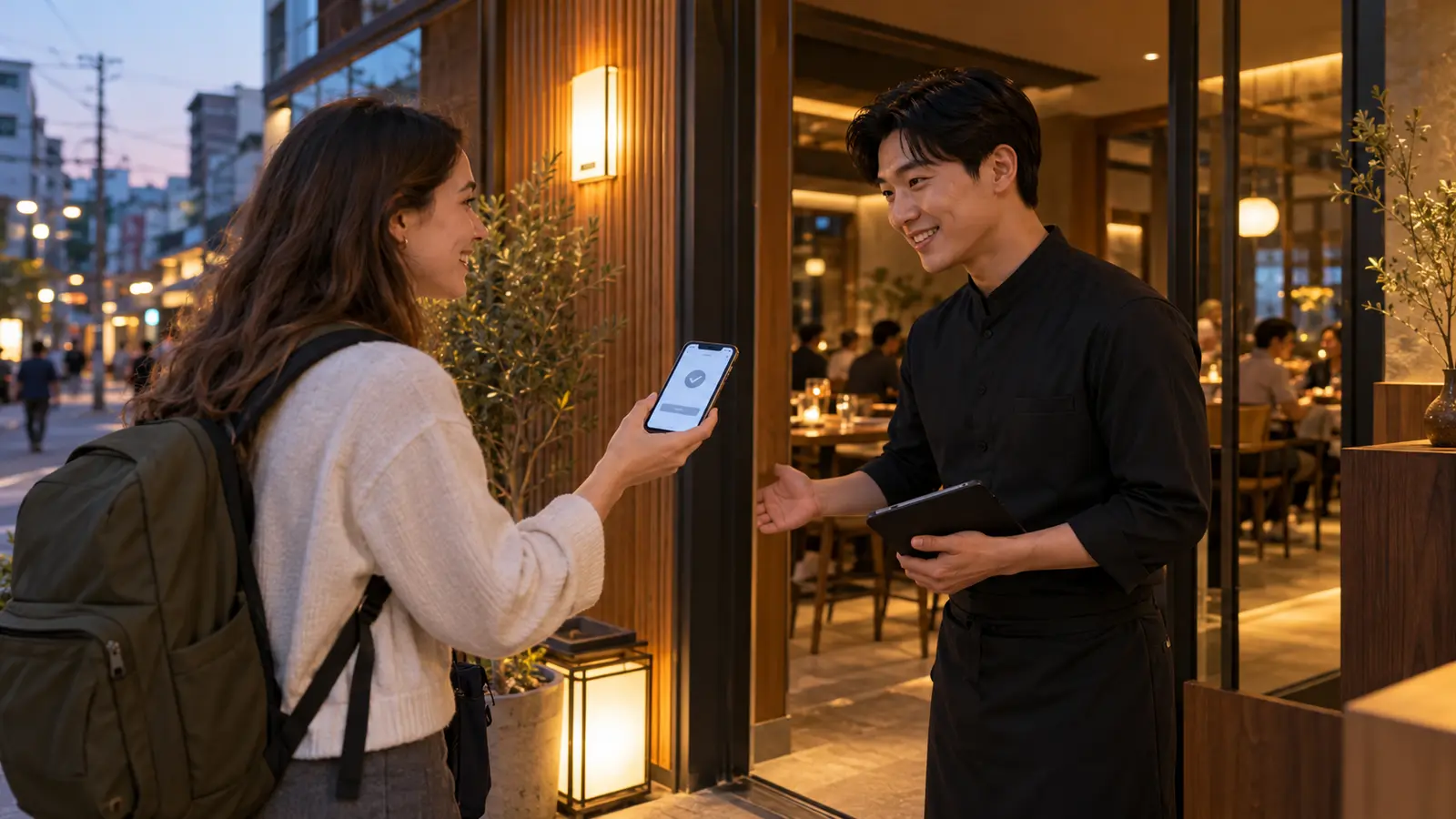
You have found a restaurant, picked a night, and opened the booking page. Then it asks for a Korean phone number.
You may still be able to book a restaurant in Korea without a local number. CATCHTABLE GLOBAL offers sign-in without a Korean number, and NAVER has a passport-verification route for supported services. The useful next step is to check which booking method your restaurant actually accepts. Start there, rather than changing your SIM or trying every reservation app.
To book a restaurant in Korea, start with its own link
Open the restaurant’s current website, official social profile, or map listing and look for its reservation instructions. Follow that link to the correct branch. A restaurant appearing on a map does not necessarily mean it accepts online reservations there.
If the link opens a Korean-only booking flow, check whether the restaurant also lists an international booking option. For a restaurant on CATCHTABLE, look for the same branch in CATCHTABLE GLOBAL. The Korea Tourism Organization’s guide links to the global service and explains its Google, Apple, and email sign-in options. These do not require a Korean phone number. Overseas-issued cards are supported for reservation deposits, although your restaurant’s availability and payment conditions still need checking.
Compare the address as well as the name. Two branches can have similar photos but different menus, booking arrangements, and available times. Saving the right branch now also gives you the address you will need on the day.

If NAVER asks you to verify your identity
If the restaurant directs you to NAVER, check the passport-verification option. It allows foreign visitors with a foreign-issued passport to use supported services without Korean mobile-phone verification. It does not mean every restaurant on NAVER offers a bookable table.
Have your valid original passport ready. NAVER’s verification help explains the passport-photo and face-check process. Your account name and date of birth must match, and the passport must not already have been used for another NAVER ID. A well-lit place and a clear photo without glare can help you get through the check without having to start over.
Try this before you urgently need an answer for tonight. If verification fails, you will have time to use NAVER’s help or ask the restaurant about another route. Before buying a travel SIM for this, check which forms of identity verification the booking service accepts. A phone plan and a verified booking account are separate things.
On the restaurant’s page, distinguish “예약” (reservation) from “주문” (order). Being able to place an order does not by itself confirm that you can reserve a seat.
Check whether you are booking a table or joining a queue
Once you can open the restaurant’s booking page, look at what it offers.
- A reservation flow lets you choose a date, party size, and available time. Continue through the remaining steps until you have the booking status, not just a selected slot.
- “Join Remote Waitlist” is a place in a queue, not a table reserved for your chosen dinner time. For that system, use our guide to waiting at Korean restaurants.
- If you can sign in but there is no suitable table, try another date or ask the restaurant about other booking options. That is an availability problem rather than a phone-number problem.
Search for your actual party size. If four seats are not available but two separate bookings are, ask the restaurant before splitting the group. Separate reservations do not establish that everyone can sit together.
If there is no reservation button, return to the restaurant’s own instructions. It may use another service, accept direct inquiries, or operate without advance reservations.
A short message when you cannot book online
Use the contact method the restaurant publishes. If it accepts booking inquiries by message, send your preferred date, time, and party size together. That lets staff answer the actual request instead of first having to ask when you want to come.
Here is a message you can adapt. Replace the brackets before sending, and include the branch name if the account covers more than one location.
한국 전화번호가 없어서 온라인 예약을 못 했어요. [날짜] [시간]에 [인원]명 예약할 수 있을까요?
Han-guk jeon-hwa-beon-ho-ga eop-sseo-seo on-la-in ye-yak-eul mo-tae-sseo-yo. [Date] [time]-e [number] myeong ye-yak-hal su i-sseul-kka-yo?
“I couldn’t book online because I don’t have a Korean phone number. Could I reserve a table for [number of people] on [date] at [time]?”
For a written message, make the date unambiguous: “November 6, 7 p.m., two people” is clearer than “6/11 at 7.” You can put those details on a separate line in English beneath the Korean sentence.
Ask how the restaurant will send its reply if its usual process relies on a Korean number. Use a contact channel you can check during your trip. If it only accepts phone inquiries, you could ask whether your accommodation staff can help call; check that they can assist rather than assuming this is included.
A message saying “received” is not yet a confirmed table. Keep the conversation open until the restaurant has answered the date, time, party size, and branch.
If your preferred time is full
This is the point to adjust the evening. If the restaurant is the main reason for going, look at another date or an earlier meal. If dinner has to fit before a show or train, keep that time limit and compare restaurants nearby.
Check the route before choosing a different branch. A familiar name on the booking screen can still mean a long trip across the city. The useful alternative is one you can comfortably reach, not simply the first available time.
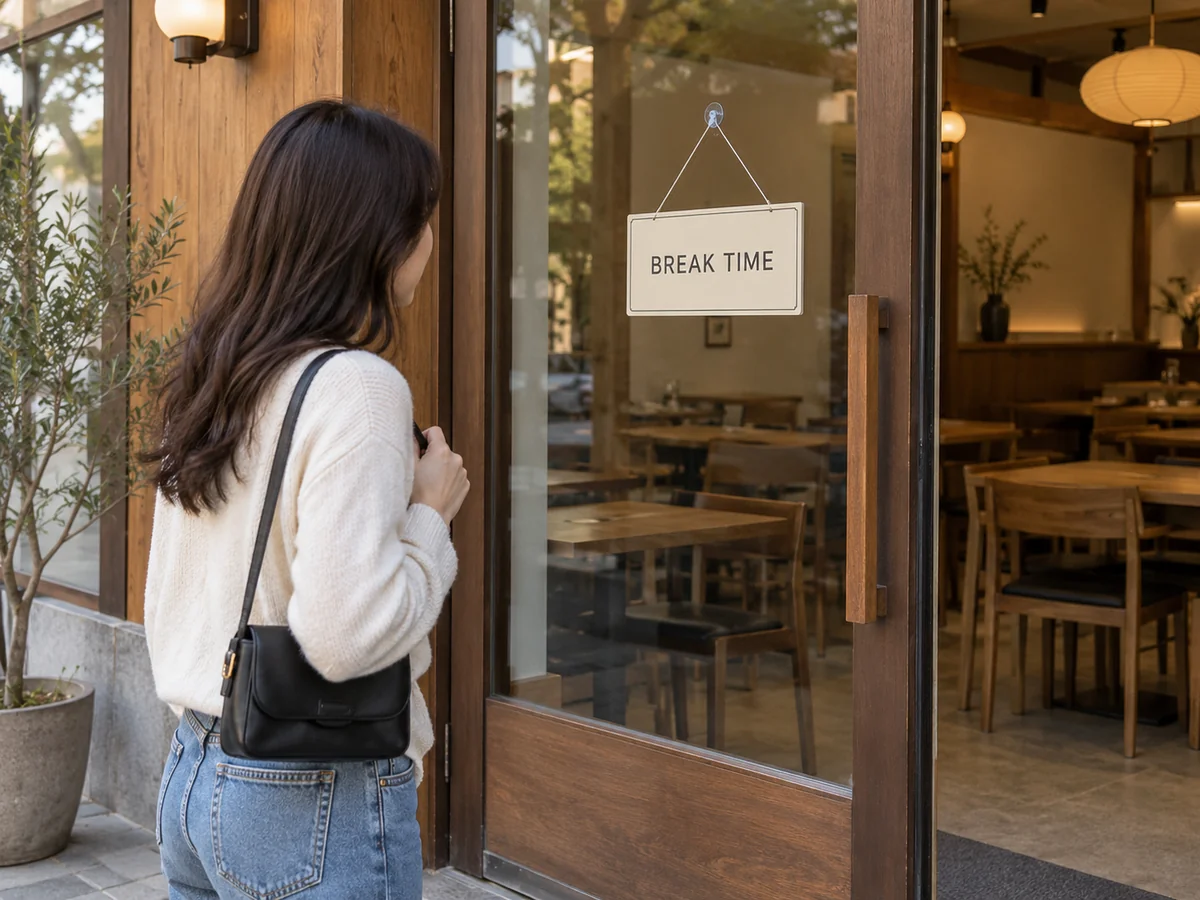
I once arrived during a restaurant’s break and could not eat there. Since then, I check NAVER Map or Kakao Map for the business hours and break time before going. I personally find NAVER more useful for those details.
Look for three separate things: 영업시간 is the business’s opening hours, 브레이크타임 is its break between services, and 라스트오더 is the last-order cutoff. A closing time alone does not tell you when the kitchen stops accepting orders. NAVER lets businesses list hours, breaks, and last-order information, but check with the restaurant if a detail is missing or unclear. This matters especially when choosing an unreserved backup. For a confirmed booking, follow the time and arrival instructions on the reservation.
Read the conditions before paying
When a suitable table appears, check what the booking includes. There may be a set course, a particular seating area, or a party-size condition. If you are dining alone and no one-person option appears, ask whether the restaurant can take a solo booking. Our solo-dining guide covers the separate question of choosing meals and restaurants for one.
Before paying a deposit, save the amount, cancellation deadline, and late-arrival or no-show terms. If the wording does not explain whether the deposit is returned or applied to the meal, ask first. Card support tells you how you may be able to pay; it does not tell you what this restaurant will refund.
If your plans may change, check whether you can move the booking before paying. NAVER’s booking help says bookings already paid or due for payment through Npay cannot use the booking-change function. Eligible bookings display a change button. If yours cannot be changed there, check the cancellation conditions and ask the restaurant what is possible before cancelling a table you still want.
Save the confirmation you will show at the door
After a NAVER booking request, 예약 확인중 means the request is being checked, not that it is confirmed. NAVER’s booking help explicitly distinguishes this from a confirmed reservation. If you need an answer before setting out, contact the restaurant with your booking details.
This short question also works for a direct booking:
예약이 확정된 건가요?
Ye-ya-gi hwak-jeong-doen geon-ga-yo?
“Is my reservation confirmed?”
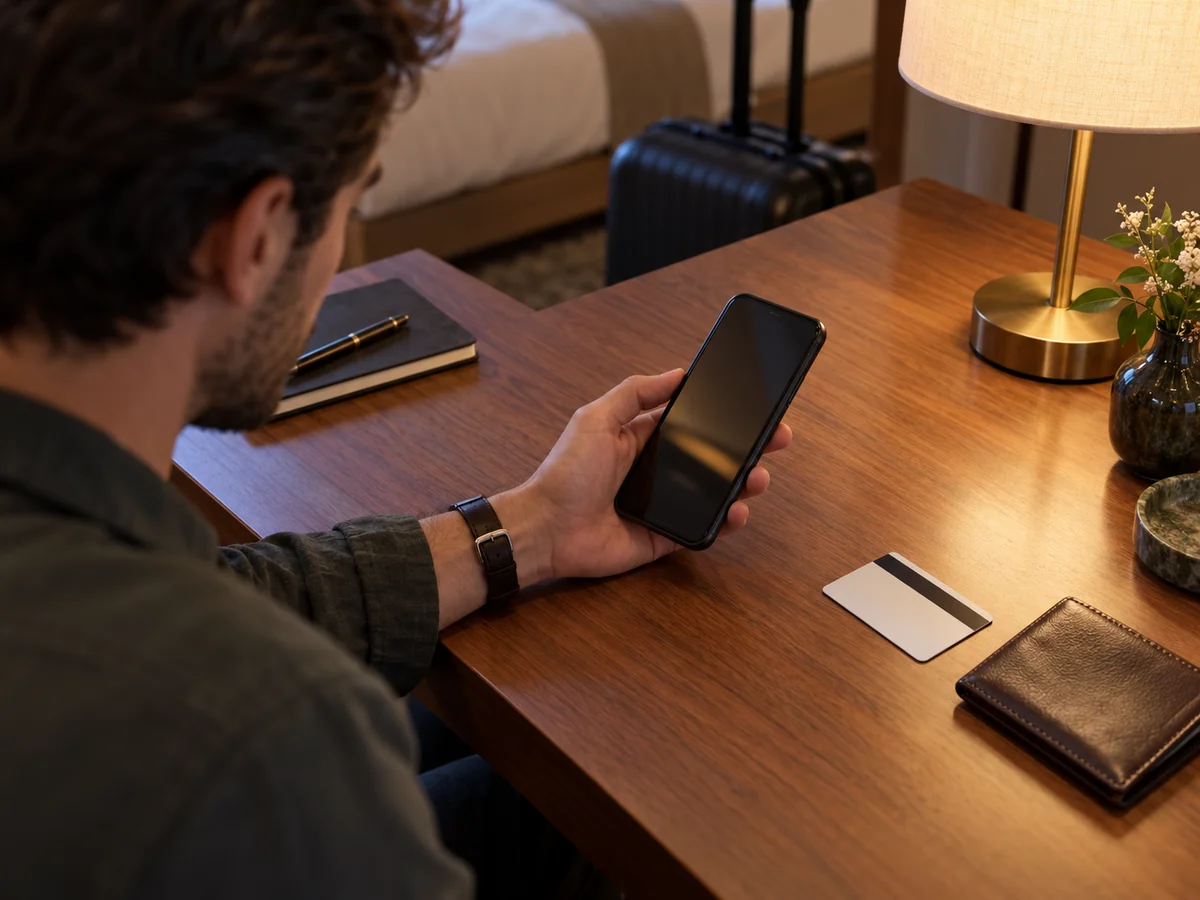
Add the booking name, date, and time so staff can find the request. Once confirmed, save the reply or confirmation screen somewhere you can open without a connection. Keep the branch address with it, along with any arrival instructions. At the entrance, you can show staff the reservation itself rather than searching through the restaurant’s profile again.